- AI
Part of the AI for marketing series
Skills, Plugins, Connectors and Extensions: A Marketer's Guide
AI tools now come with add-ons that reach your apps and follow your process. Here is what each one does and how to start without losing control.
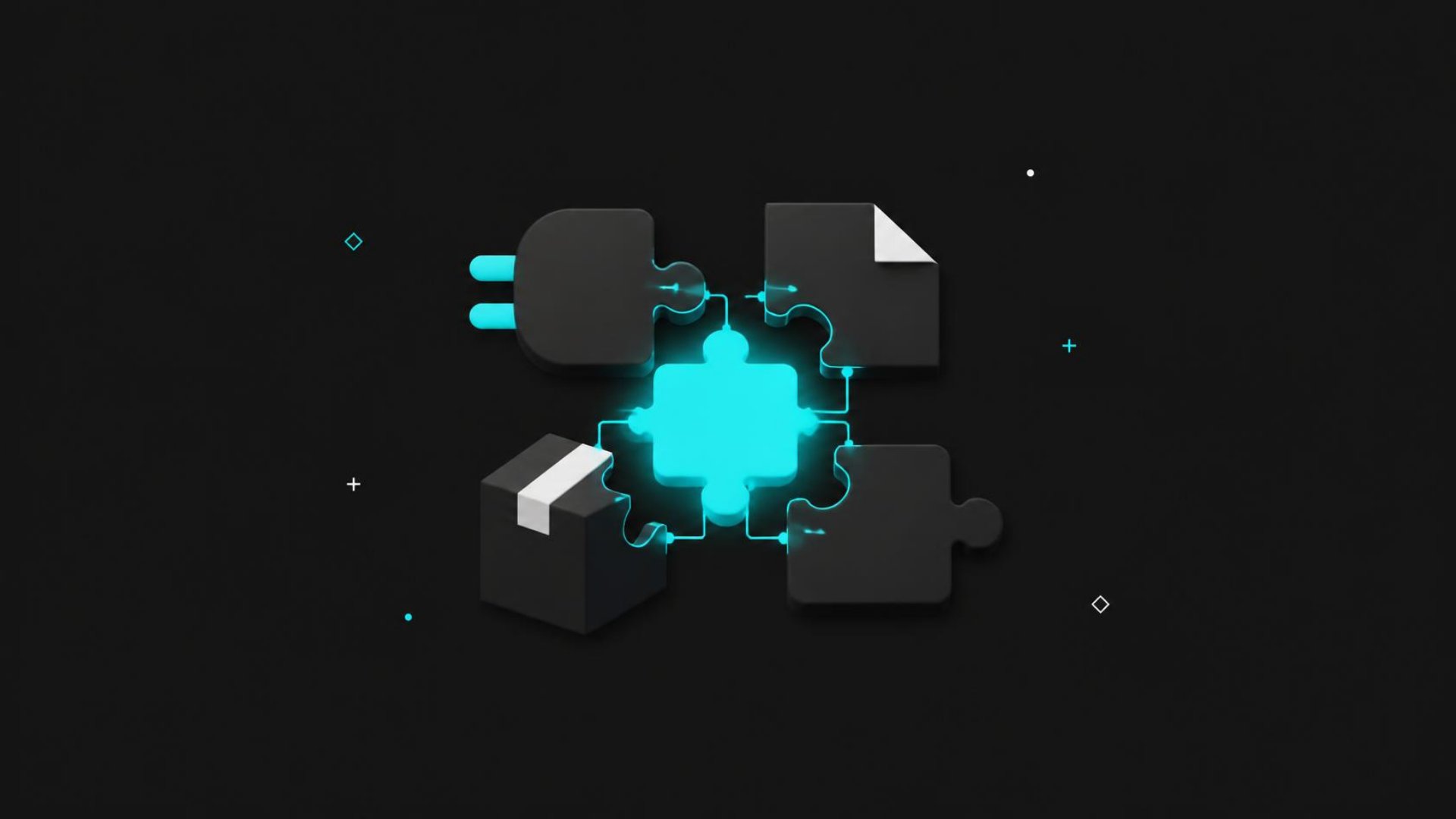
If you use Claude, ChatGPT or Gemini for marketing, you have probably seen a new menu appear in the last year: skills, plugins, connectors, apps, extensions. The words sound interchangeable, and the companies do not always use them the same way. They are not the same thing, though, and knowing the difference decides whether AI stays a chat window or starts doing real work in the tools your team already uses. This post explains each one in plain language, shows where it fits in marketing work, and gives you a safe way to start.
Why the add-ons matter now
A chat assistant on its own only knows what you paste into it. Every report, every caption calendar, every client brief has to be copied in and copied back out. That copy-and-paste is where most of the time goes, and it is where mistakes creep in.
The add-ons close that gap in two different ways. Some give the AI access to your tools, so it can read your files or your calendar and act in them. Others give it your process, so it does a task the way your team does it every time. Keep those two jobs separate in your head and the rest of the vocabulary falls into place.
Connectors: access to your tools
A connector links the AI to a service you use, such as Google Drive, Slack, your project manager or your email platform. Anthropic's overview of connectors, skills and plugins describes connectors as giving Claude access to an external service so it can read from it and act in it.
ChatGPT calls the same idea apps, and OpenAI's help article on apps says they can search connected services, take write actions such as creating or updating information, and run some tasks when a new message arrives. Google renamed Gemini's extensions to apps in 2025; its Workspace announcement lists Gmail, Drive, Docs, Calendar, Keep and Tasks.
Where connectors shine for marketing: anything that starts with "go find." Pull last month's campaign notes from Drive. Summarize the client thread in Slack before a call. Check the content calendar and list what is missing for next week.
Skills: your process, written down once
A skill is a set of written instructions, sometimes with templates or small scripts, that the AI loads when a task calls for it. Anthropic's skills overview explains that Claude sees only each skill's name and short description until a request matches, then reads the full instructions. Skills are available on Claude's Pro, Max, Team and Enterprise plans, and they follow an open specification, so a well-written skill can work in other tools that adopt it.
Think of a skill as the onboarding document you would give a new hire. Your brand voice rules. Your monthly report layout. Your checklist for reviewing a landing page. Write it once, and every request that fits gets the same standard instead of whatever the AI guessed that day.
Where skills shine for marketing: repeatable formats. Social captions in your house style. A campaign recap with the same sections every month. Ad copy that never uses the words your client has banned.
Plugins: a package of both
A plugin bundles connectors and skills, sometimes with saved commands, into one install. In Anthropic's words, plugins package those pieces into a unit you can install once and share with others. OpenAI moved app discovery into a Plugins Directory in July 2026, and its plugins can likewise bundle apps and skills.
The practical value is setup time. Instead of connecting a tool and then writing the instructions for using it, you add one plugin and get both. For a team, an owner can install the same plugin for everyone, which means the whole team works from the same process.
Where plugins shine for marketing: a tool you use daily that has an official plugin. Your design platform, your CRM or your analytics tool may already offer one that knows how to pull the right reports.
Extensions: the leftover word
Extension is the most confusing of the four because it means different things in different places. In Gemini, it is simply the old name for apps. In Claude, desktop extensions are one-click installs that run a connector on your own computer, which is useful for local files. Browser extensions are a separate category again: they let an assistant read and act on web pages in your browser.
Our rule of thumb: when you see "extension," ask what it reaches. If it reaches a service, treat it like a connector. If it reaches your computer or your browser, treat it with extra care, because it can see more than a single app would.
How to stay in control
Every add-on widens what the AI can touch, so the safety habits matter more than the setup steps. Anthropic labels connectors in its directory by how closely it has reviewed them, and its verification page is direct about the limits: a review is not a security audit, and the developer can change a connector's tools after review. Its advice is to connect only to developers you trust, read the permissions you are asked to grant, and watch for prompt injection, which is hidden text in a document or web page that tries to give the AI instructions.
OpenAI's default setting for ChatGPT apps allows reads automatically but asks before actions with outside effects. We recommend keeping confirmations on for anything that sends, posts, deletes or spends. Let the AI read freely and draft freely; keep a person on the button that goes out the door.
For skills, the risk is different. A skill someone shares with you is a set of instructions that will run in your conversations, so read it before you turn it on, the same way you would read a contract template before you sign it.
The add-ons are what turn an AI assistant from a smart chat window into a member of the team who knows where things live and how you like them done. Want help choosing the right ones for your marketing work? Let's talk.
Want help with this? We run AI-powered marketing programs for organizations across the United States.
Book a discovery call →