
Prefer to watch? The 90-second version is above.
You open Claude, ChatGPT or Gemini, type your question and get an answer. You have probably never touched the model menu at the top of the screen. That is fine for a quick question, and it quietly costs you on the work that matters. This post gives you a plain-language way to read that menu, one simple rule for choosing, and a set of marketing examples so you know which option to reach for.
What the model menu is actually choosing
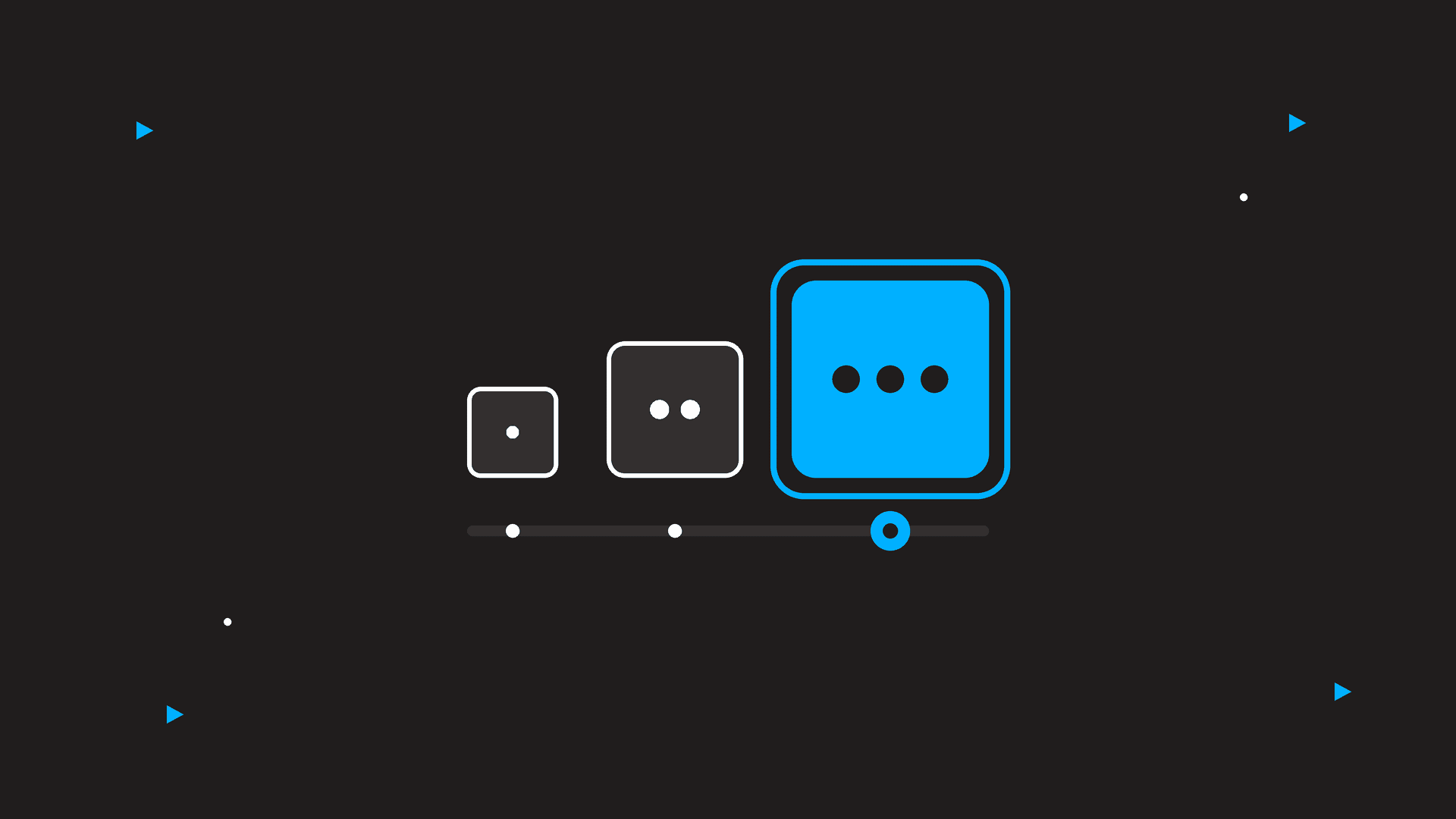
Every AI app runs on a family of models rather than a single brain. The names change often, but the structure is the same across the big three. There is a small, fast model; a mid-size everyday model; and a large model built for hard, long tasks. Some apps add a thinking or deep mode that takes extra time to reason before it answers.
Claude’s lineup today is Haiku, Sonnet, Opus and Fable, from lightest to heaviest. Anthropic’s own model guide describes Haiku as the lowest latency and price, Sonnet as speed and capability for everyday work, and Opus and Fable as the choices for long, complex projects. ChatGPT splits its models into Instant and Thinking versions, with an Auto setting that picks for you; OpenAI’s release notes list the current names. Gemini offers Flash, Pro and a Deep Think mode, and Google’s release notes show Flash as the default.
The point is not to memorize names. The point is to notice that the default is almost always the fast or mid-size option, because that is what keeps the app feeling quick for millions of people. Fast is not the same as right for your task.
Why the default is not always right
The default model is tuned for the average request: a quick rewrite, a definition, a short reply. Marketing work is often not average. A positioning document, a twelve-email nurture sequence or a read of three months of ad reports needs the model to hold a lot of context and reason through it. A fast model will give you something plausible. A heavier model is more likely to give you something correct, and to notice what you forgot to ask.
The reverse is also true. If you reach for the biggest model for every subject line, you wait longer, use up your plan’s limits faster and get no better result. Anthropic’s model tutorial puts it plainly: using Opus on a task Haiku could handle costs you tokens for no gain and slows you down. The same logic applies in ChatGPT and Gemini.
One rule for picking a fast model or a heavy one
Here is the rule we use at MtoM: match the model to the cost of being wrong.
If a mediocre answer costs you nothing but a second try, use the fast model. If a mediocre answer would reach a client, go live in an ad account or shape a decision you cannot easily undo, use the heavy model, and turn on thinking mode if the app offers it.
A second check helps when you are not sure: how much does the model need to hold in its head? Ten words of input, go fast. Ten pages of input, or a task with several steps that depend on each other, go heavy.
A note from Christine: I spent months on the default without knowing the menu existed. The first time I ran a client brief through the heavier model, it asked me two questions I should have asked the client. That was the moment the menu stopped being a technical detail and became part of how I work.
Marketing examples, sorted by model
Fast model, thinking off. A dozen subject line options. A caption rewritten for Instagram. A definition of frequency cap. A meeting agenda pulled from a messy transcript. Alt text for a batch of product images. If the first answer misses, you ask again and lose ten seconds.
Everyday model, the default. A first draft of a blog post from your outline. A competitor’s website summarized in a page. A critique of a landing page. A month of social captions from a content calendar you already approved. This is where the default earns its place.
Heavy model, thinking on. A positioning statement for a new service. A full nurture sequence with logic for who receives what. A read of a quarter of Digital Advertising results with recommendations. A media plan checked against the brief it was supposed to follow. Anything you will put in front of a client as finished work.
One practical note: in most apps you can switch the model in the middle of a conversation. Start with the fast model to get the shape right, then switch to the heavy one for the final pass. You do not have to start over.
What plans and limits mean for a small team
Which models you can reach depends on the plan you pay for, and the lines move. OpenAI’s release notes say its newest flagship model, GPT-5.6 Sol, is available on paid ChatGPT plans. Google has announced that free Gemini users lose access to some of the stronger models this month, as reported by tbreak. Expect more of this. The heavy models cost the most to run, and the companies are steering them toward paying customers.
Our advice is not to chase the newest name. Pick one app, pay for the plan that gives you the heavy model and a thinking mode, and learn its menu well. For a small marketing team, one paid seat used deliberately beats three free accounts used on defaults.
What to do this week
- Open the model menu in the app you use most and read the one-line description next to each option. Take a screenshot and share it with your team so everyone knows the menu exists.
- Pick one task you ran on the default last month that mattered, such as a client email or a campaign brief, and run it again on the heaviest model with thinking on. Compare the two results side by side.
- Write a two-line team rule: which model for quick drafts, and which for anything a client will see. Put it in the shared doc where your other process notes live.
The menu at the top of the screen is the cheapest upgrade available to your marketing team, and most teams never touch it. Once you match the model to the stakes, the tools start doing the work you brought them in to do.
Want help building an AI workflow your team will actually use? Let’s talk. We make digital make sense.
