

Prefer to watch? The 90-second version is above.
If you run a small business, there is a good chance you have opened Claude or ChatGPT, typed a question, gotten a decent answer, and closed the tab. That is chat, and it is the smallest part of what these tools can do now. Claude alone ships in four forms, and each one fits a different kind of marketing work. This post explains the four in plain language and pairs each with a task you probably already have on your list.
The four ways to use Claude
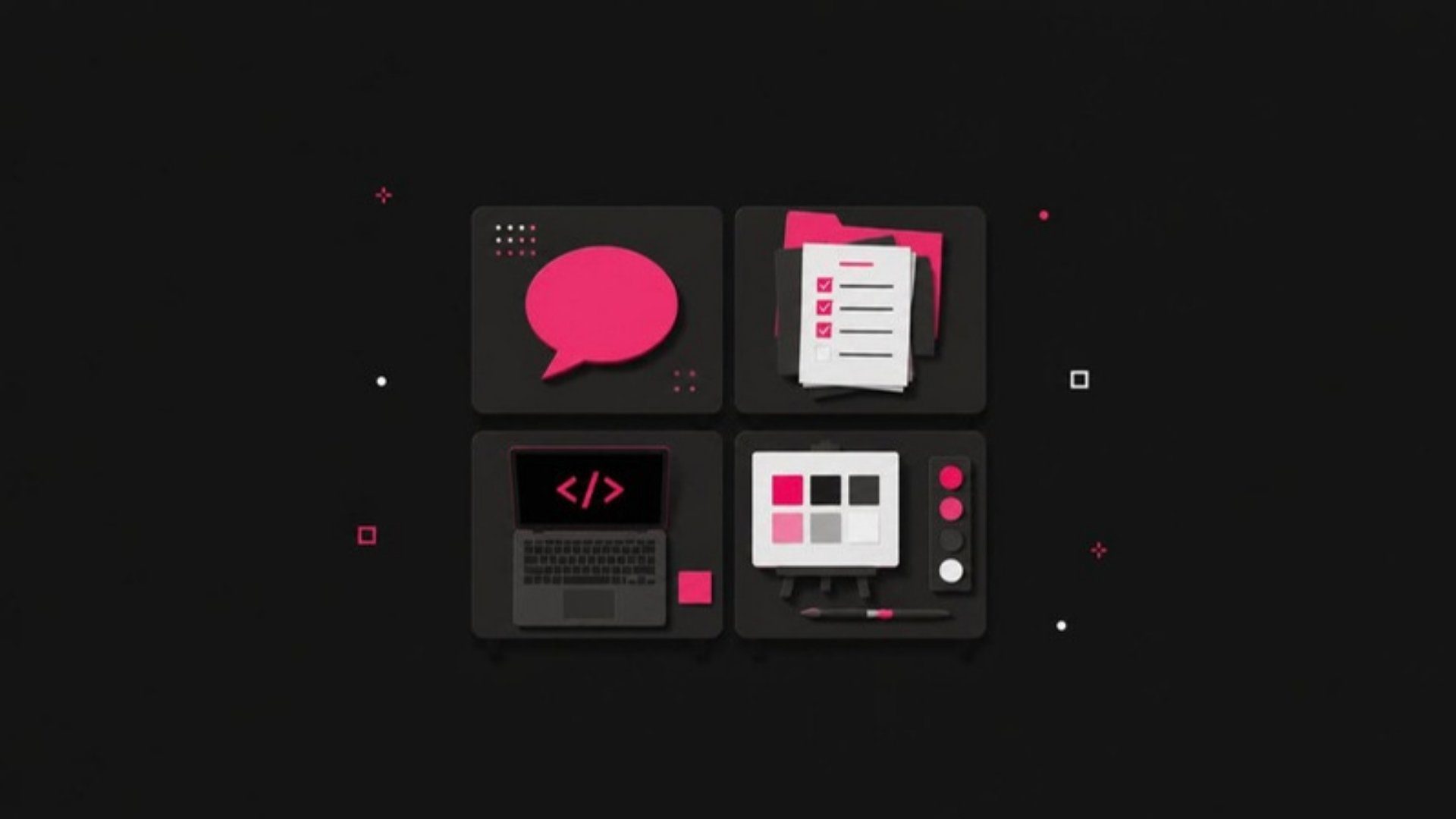
Anthropic, the company behind Claude, currently offers four main ways to work with it: Chat, Cowork, Code and Design. They run on the same underlying models. What changes is where Claude works and what it is allowed to touch.
Think of it the way you think about hiring. Chat is a conversation with a smart colleague. Cowork is handing that colleague your folders and a to-do list. Code is putting them in front of your website’s engine room. Design is giving them a blank canvas and your brand kit. Same person, four very different desks.
Chat: the conversation
Chat is the claude.ai window most people know. You type, it answers. It reads files you attach, searches the web when asked, and remembers what you told it earlier in the conversation.
Where it shines for marketing: thinking work. Draft a client email three ways. Turn a rambling voice memo into a campaign brief. Pressure-test a positioning statement by asking Claude to argue against it. Summarize a 40-page industry report into the six points your team needs.
Where it falls short: anything that lives in more than one place. If the task requires opening your spreadsheet, checking your calendar and writing to your CRM, chat will give you instructions instead of doing it. That gap is what the next three tools exist to close.
Cowork: the assistant with access to your files
Cowork runs inside the Claude desktop app and works directly in folders and connected tools you choose. According to Anthropic’s product page, it reads, edits and creates Word, Excel, PowerPoint, PDF and CSV files, connects to services like Google Drive, Slack and Microsoft 365, and can run scheduled tasks unattended.
Where it shines for marketing: repeatable operational work. Point it at a folder of platform exports and ask for a monthly report. Have it draft the week’s social posts from your content calendar and save them where your team expects them. Schedule it to pull last week’s ad numbers every Monday and flag anything that moved more than you would like.
A practical note from our own shop: this blog post was drafted by a scheduled Cowork task, then reviewed and published by a person. That is the pattern we recommend. Let the tool do the assembly, keep a human on the approval.
Cowork is included in Claude’s Pro, Max, Team and Enterprise plans, so if you already pay for Claude you likely have it.
Code: for your website and anything technical
Claude Code is a command-line tool built for developers. It reads an entire codebase, makes changes, runs tests and can be driven from the terminal or from a browser. If the word “terminal” made you flinch, that is a reasonable reaction, and you do not need to use Code directly to benefit from it.
Where it matters for a small business owner: your website and your data. A developer, or a marketing team member who is comfortable following instructions, can use Claude Code to fix a broken redirect, build a landing page, clean up a tracking script or write the small piece of automation that moves form submissions into your CRM. Work that used to sit in a ticket queue for two weeks can often be done in an afternoon.
Our advice: know that it exists so you can ask for it. When your web team says a change will take a sprint, it is fair to ask whether Claude Code has been tried.
Design: visuals, decks and prototypes
Claude Design is the newest of the four. Anthropic launched it in April 2026 as a research preview for Pro, Max, Team and Enterprise subscribers, describing it as a tool for building “designs, prototypes, slides, one-pagers” through conversation and refinement (Anthropic announcement). You describe what you need, Claude builds a first version, and you refine it with comments and direct edits before exporting.
Where it shines for marketing: first drafts of visual work. A pitch deck outline that already looks like a deck. A landing page mockup you can react to before a designer touches it. Three directions for a campaign one-pager, produced in the time it takes to write the brief.
Where to be careful: brand consistency. Design tools are fast, and fast is how off-brand colors and fonts creep in. Give it your brand kit up front and check the output against it before anything ships.
Which one do you need?
Most small business owners need Chat and Cowork, in that order. Chat for thinking and writing, Cowork for the recurring work that eats your Mondays. Design is worth turning on if you produce decks or web pages more than once a quarter. Code is a tool you want your web person to know about, not one you need to learn yourself.
The mistake we see most often is staying in Chat for everything. It works, but it leaves you doing the copy-and-paste that the other three tools were built to remove.
What to do this week
- Write down the one marketing task you repeat every week that involves more than one file or tool. That is your first Cowork task.
- Open the Claude desktop app, connect a single folder (not your whole drive), and ask Cowork to do that task once while you watch.
- If you have a deck or landing page due this month, try Claude Design for the first draft and note how much of it you keep.
Every one of these tools rewards a clear brief and a person who checks the work. That is the same thing that makes a good agency relationship work, and it is where we spend most of our time with clients. If you want help deciding which of these belongs in your marketing operation, let’s talk.
